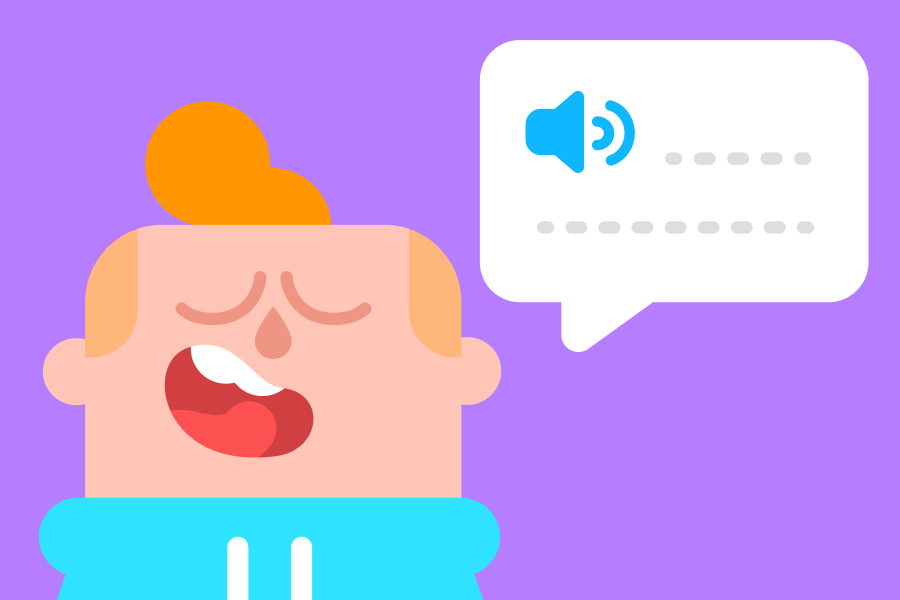
Whether you’re learning your first words or practicing full conversations, Duolingo’s got you covered! Our speaking lessons and conversation tools help you speak with confidence—all from your phone.
Here’s how we help you build real speaking skills, step by step.
Speak in lessons from day one
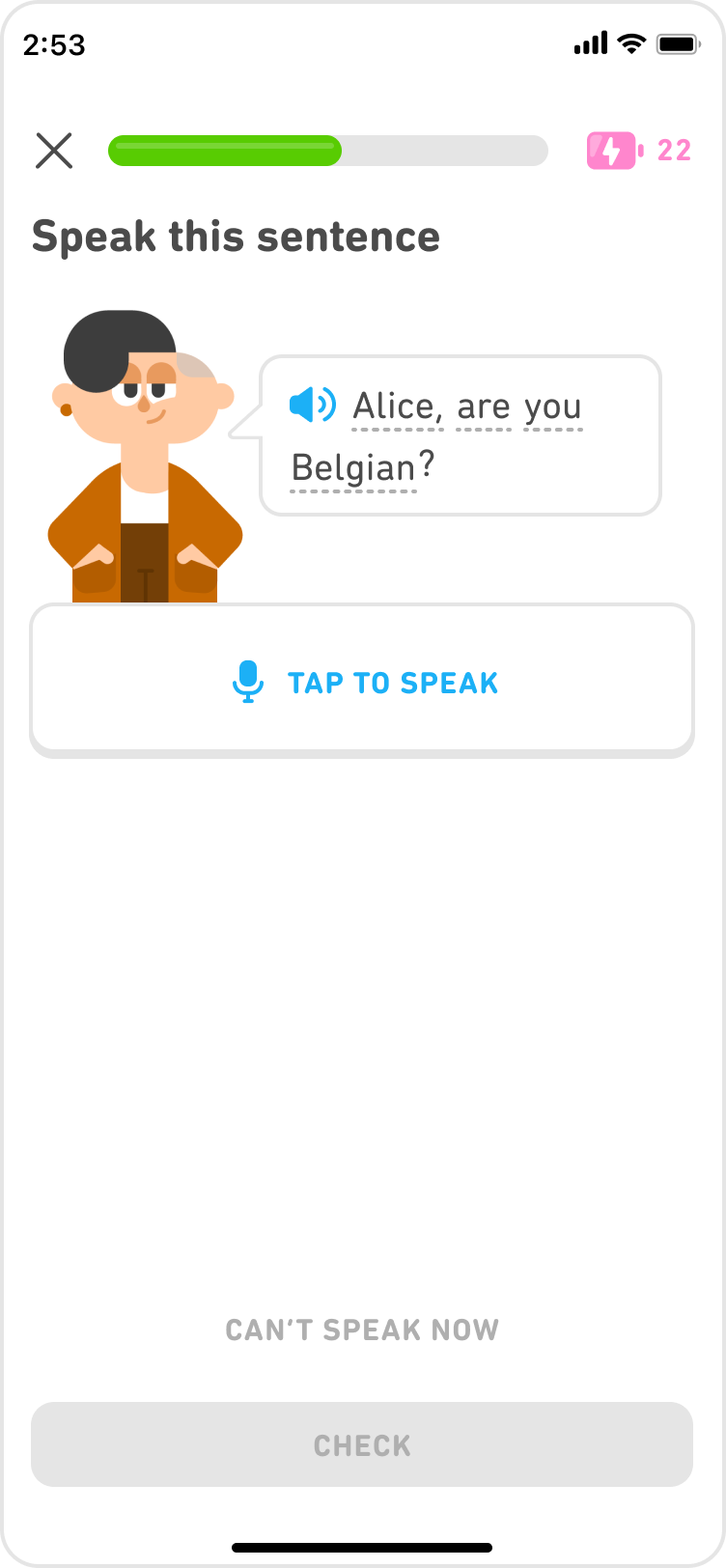
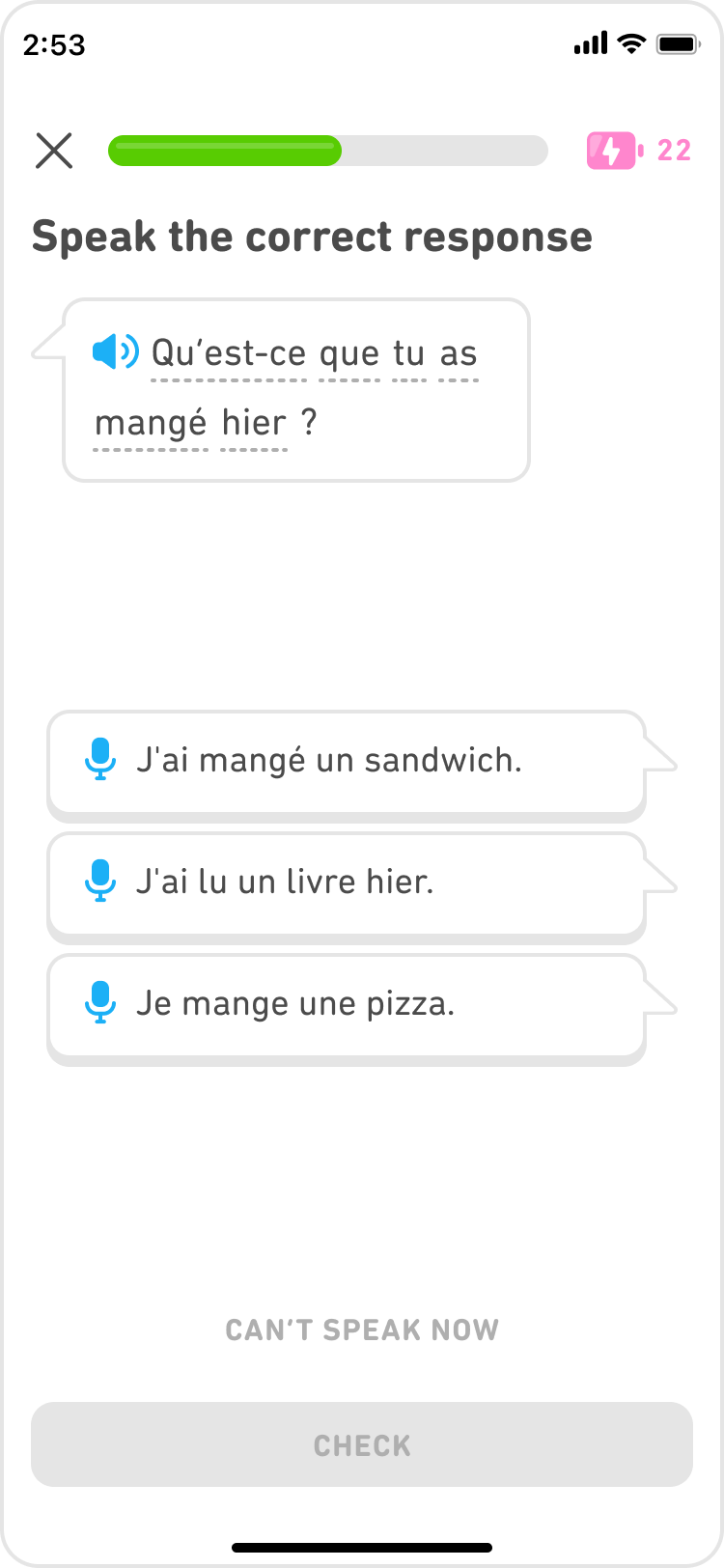
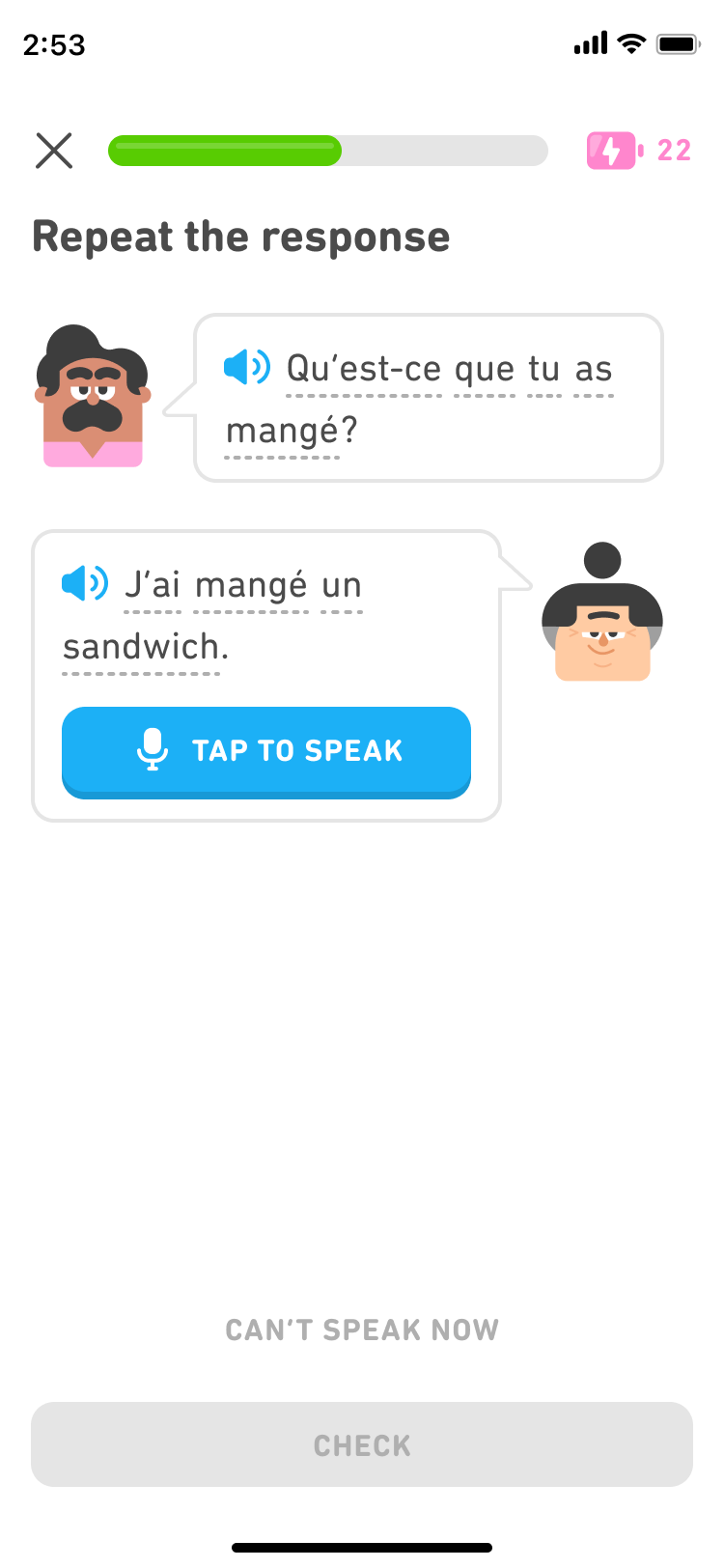
From your very first lesson, you’ll get speaking exercises that prompt you to repeat words, translate sentences out loud, or take part in bite-sized dialogues. These quick, interactive moments help train your mouth and brain to work together—an essential skill for real-world conversations.
 |
 |
 |
One of our newest features, Flashcards, also gets you speaking: As you flip through the deck of cards, you’ll be drawing out the translation from your memory and speaking it aloud!
Turn on the mic for extra practice
In many of the writing exercises you see, you also have the option to *speak* your answer instead of typing it! Just tap the microphone and say your answer out loud for a simple way to get extra speaking reps. 💪
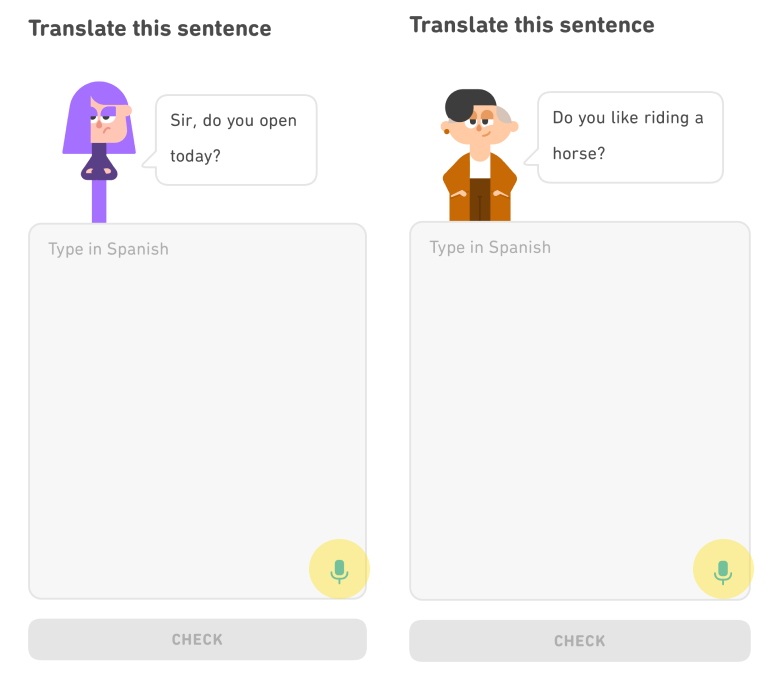
Explore speaking-only practice sessions
Want to focus just on speaking? Head to the Practice tab to find lessons made entirely of speaking exercises. (Did you know? Practice tab is now free for all learners!)
These practice sets help you:
- fine-tune your pronunciation
- review recent speaking exercises
- build confidence speaking complete sentences
Learn how to pronounce a new writing system
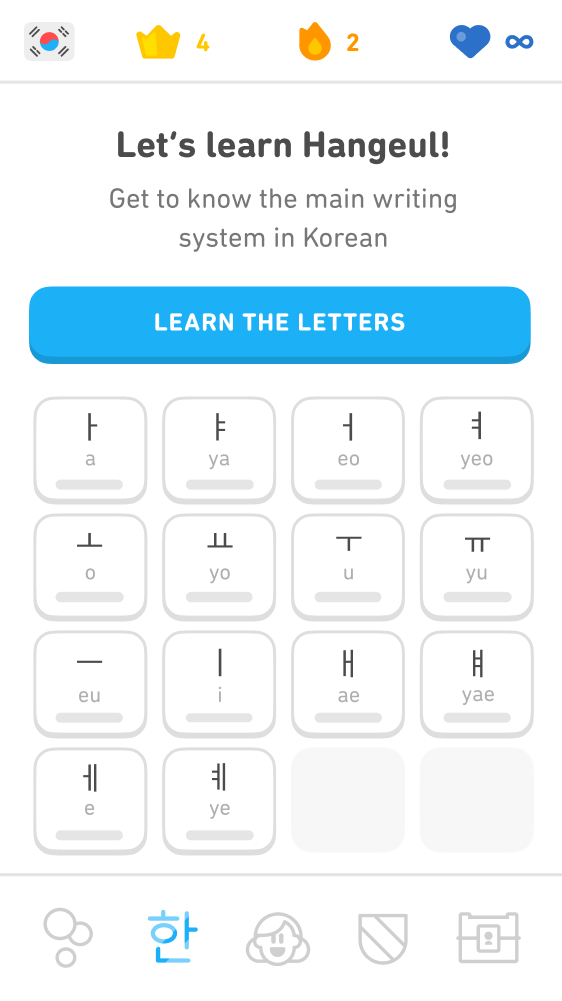
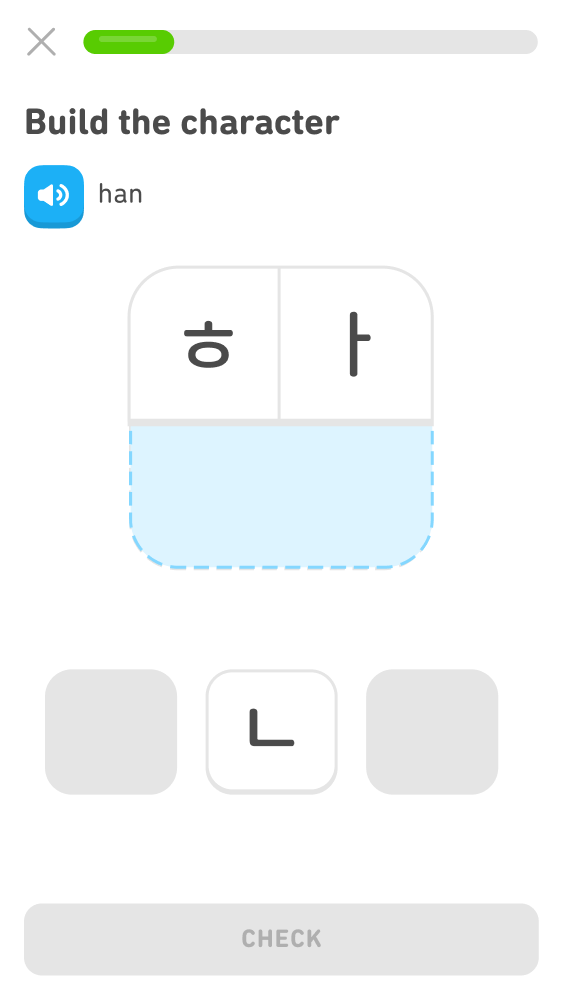
Does the language you’re learning have a different writing system? On Duolingo, you’ll find pronunciation activities that help you match these new letters and characters to how to pronounce them. You’ll do sound drills, learn about minimal pairs, and complete sounds-focused lessons.
 |
 |
Have conversations with Duolingo characters
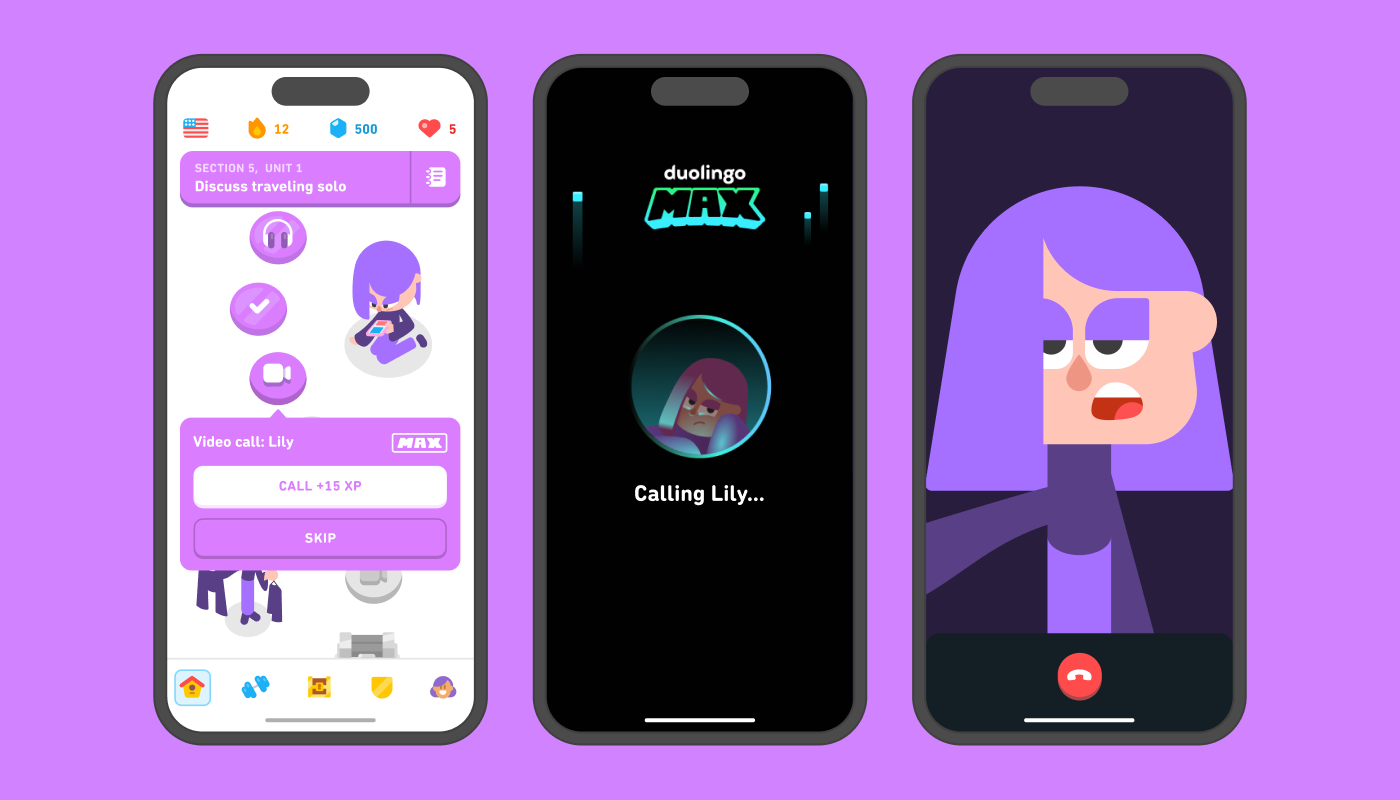
Duolingo Max subscribers have access to conversation tools that let you practice in fun, low-pressure settings:
- Video Call: Catch up with Lily and Falstaff in realistic, supportive video calls. They’re a great way to build confidence and get instant feedback!
- Roleplay: Chat with world characters in playful scenarios. You can speak your responses aloud for extra practice.
Say it with us 💬
There’s no better time than today to start speaking your new language—and Duolingo makes it easier than ever!