At Duolingo, we’re always looking for ways to help you improve, whether it’s practicing what you know, learning from your mistakes, or celebrating your progress.
That’s why we’ve introduced three exciting new features you’ll want to know about: Image Flashcards, Avatar Suits, and Game Review.
See it, then say it with Image Flashcards
Recognizing a word when you see it is one thing, but remembering it all on your own is the real test.
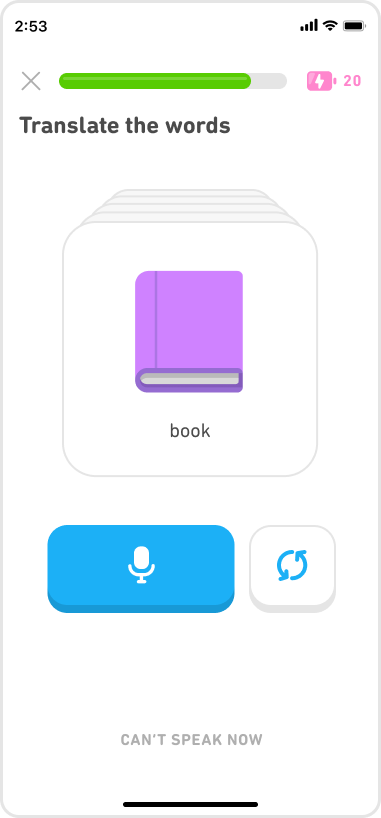
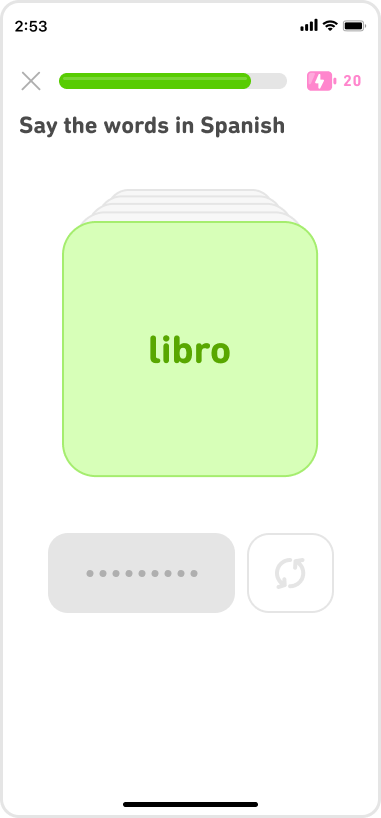
That’s the idea behind Image Flashcards. At the end of a lesson, you may see an image and be asked to say the word aloud, with no lineup of answers to choose from.
|
|
Miss it the first time? Don’t fret! You’ll see and hear the correct word, and the card will come back later so you can try again. At the end, you’ll see which words you struggled with paired with their translations, so you know exactly what needs more focus for next time.
Suit up before time runs out
Learning looks good on you!
Avatar Suits give you a new reason to keep your streak moving. During limited-time events, you can make progress to collect special suits for your Duolingo Avatar.
Each event gives you a window of time to earn the featured suits, turning the progress you make into something you can keep, wear, and show off. Once you’ve collected a suit, it’s yours, and you can cycle through the suits you’ve earned as often as you want.
Collect them all, and use them to express yourself and celebrate reaching your learning goals!
Chess Game Review gives you more ways to learn
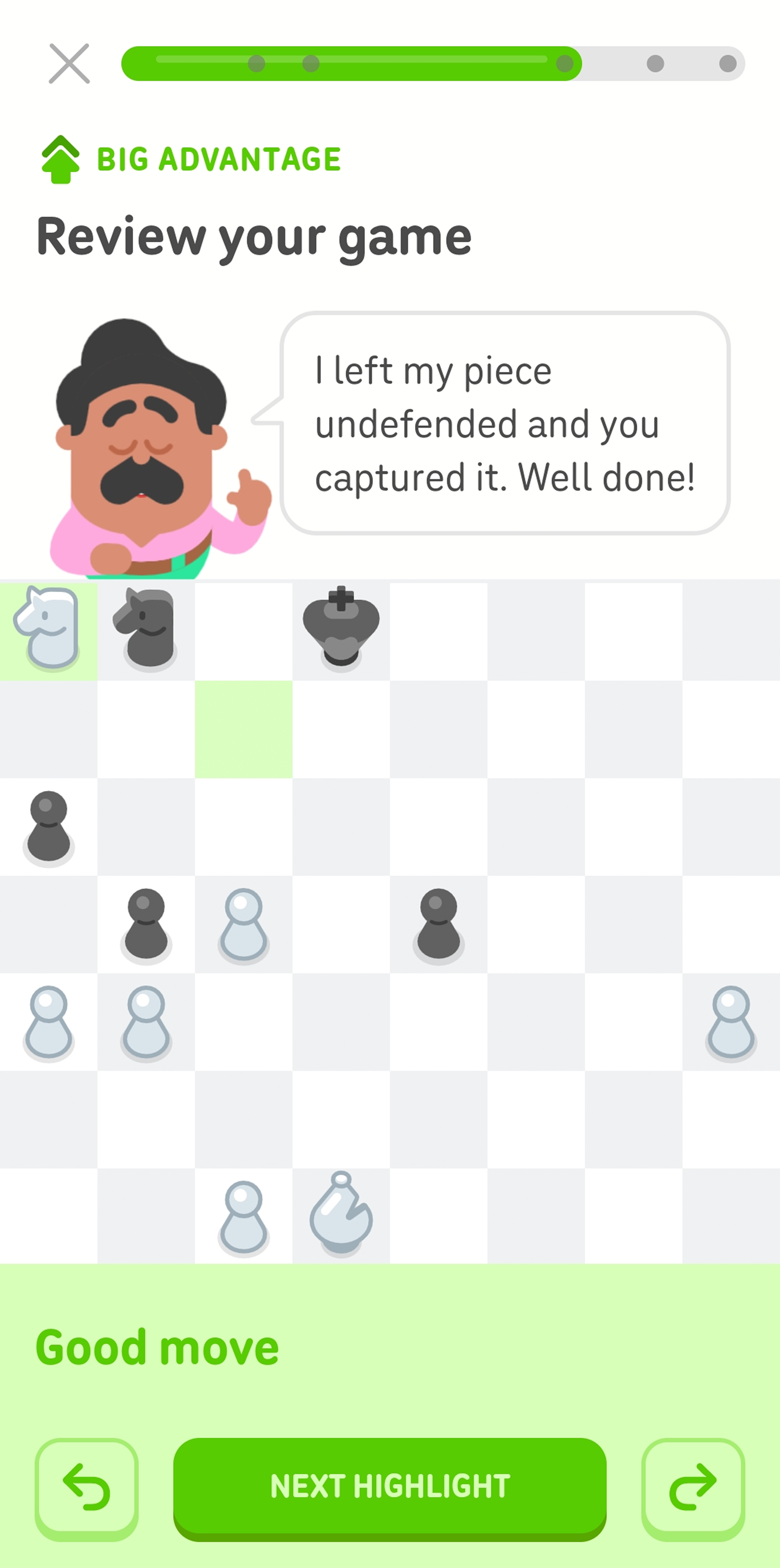
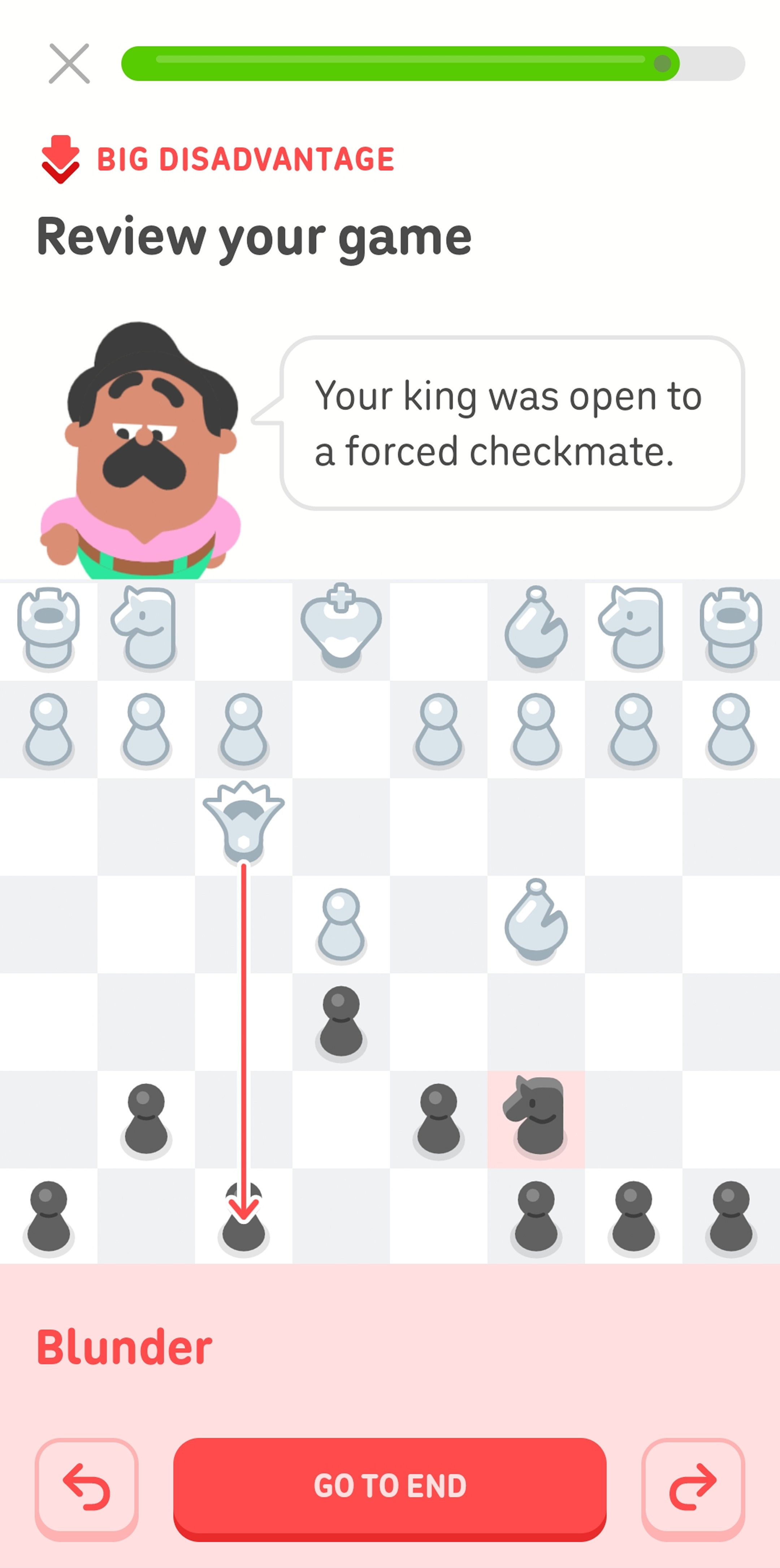
Every chess match has a few moves that can change everything. With our new Game Review, you can go back and learn from yours.
|
|
Available from your match history, Game Review highlights important decisions from games against Oscar, friends, or other players. But instead of simply telling you what you should have done, it puts you back in the position and lets you find a stronger move yourself.
Oscar then explains why a certain move worked (or didn’t 😬) and what you can take into your next game. You can review as many of your games as you want, with an experience designed to make chess analysis approachable even if you’re just getting started.
Learning that works for you
These features tackle different parts of the Duolingo experience, but they share the same goal: helping you do more with your progress.
Recall the word instead of recognizing it, celebrate your progress with a new look, and revisit a chess move instead of simply moving on.
Keep learning and we’ll keep finding new ways to make it count. 💪